Untitled


Fold the Video
Easy 5 steps of using Slid desktop app :)🖐
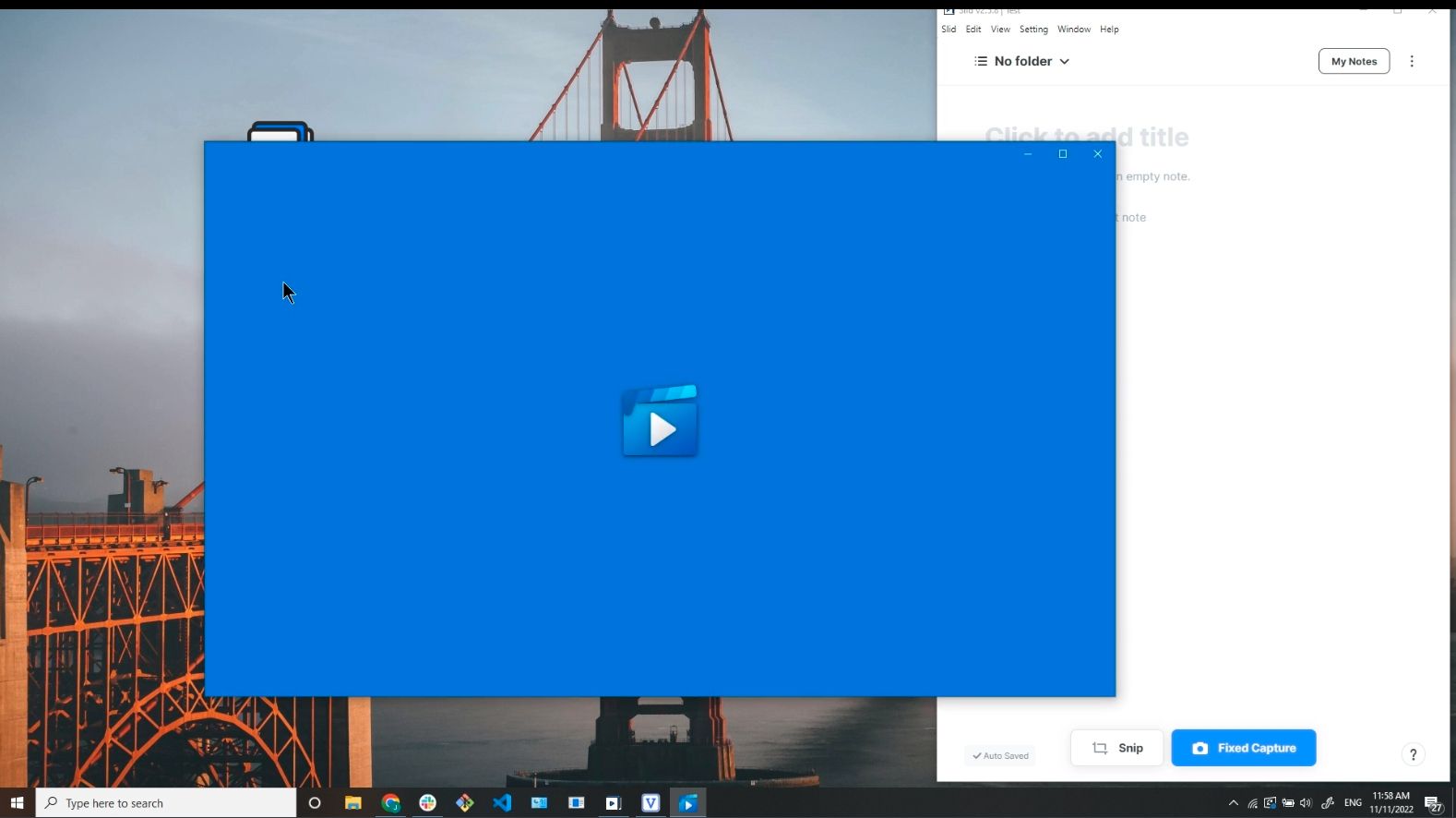
1. Start Desktop App
First, open the app you downloaded. (You can download it here!)
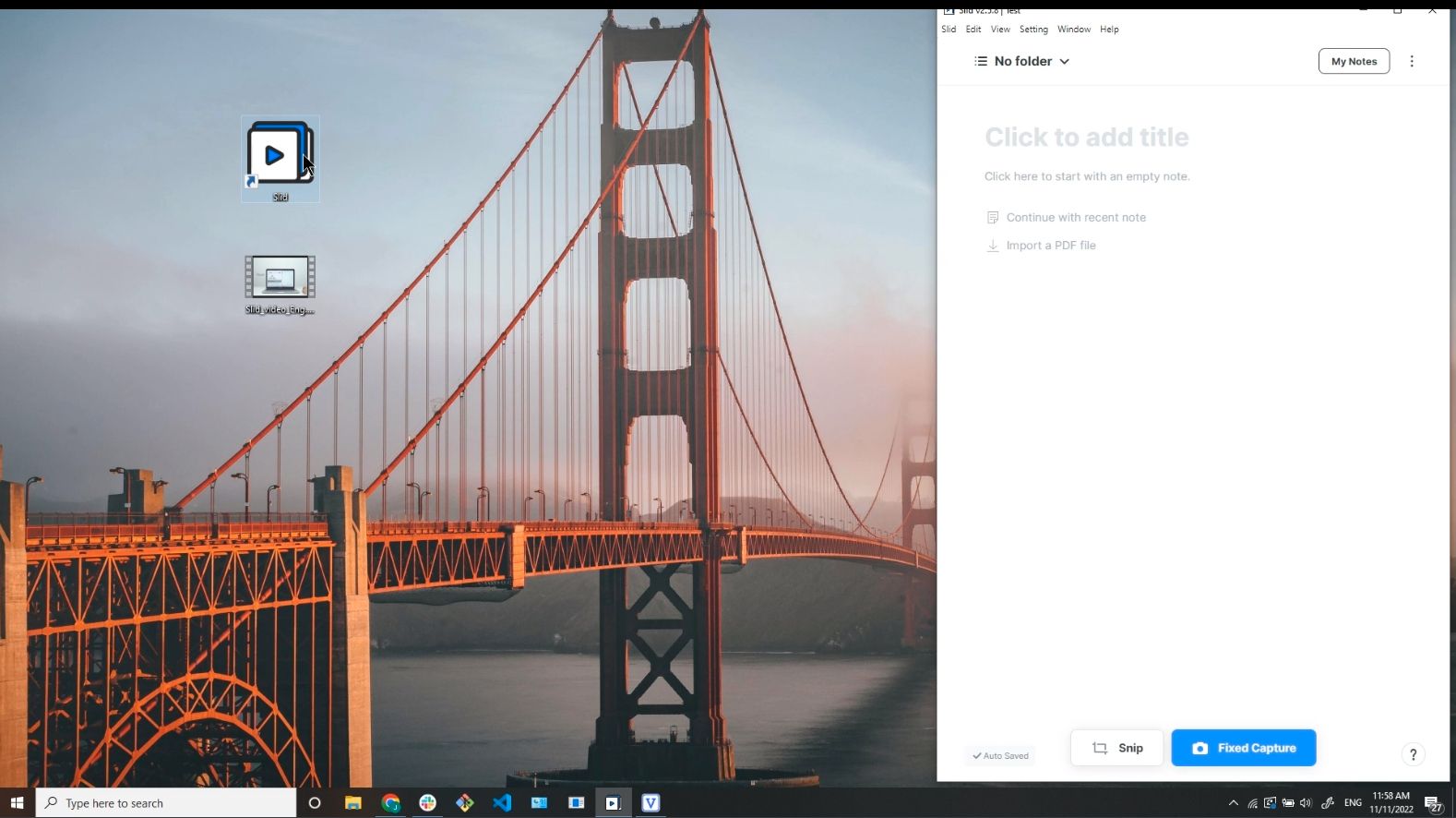
2. Prepare the Contents
You can capture anything with the desktop app! Today I'll capture a local video in my PC.
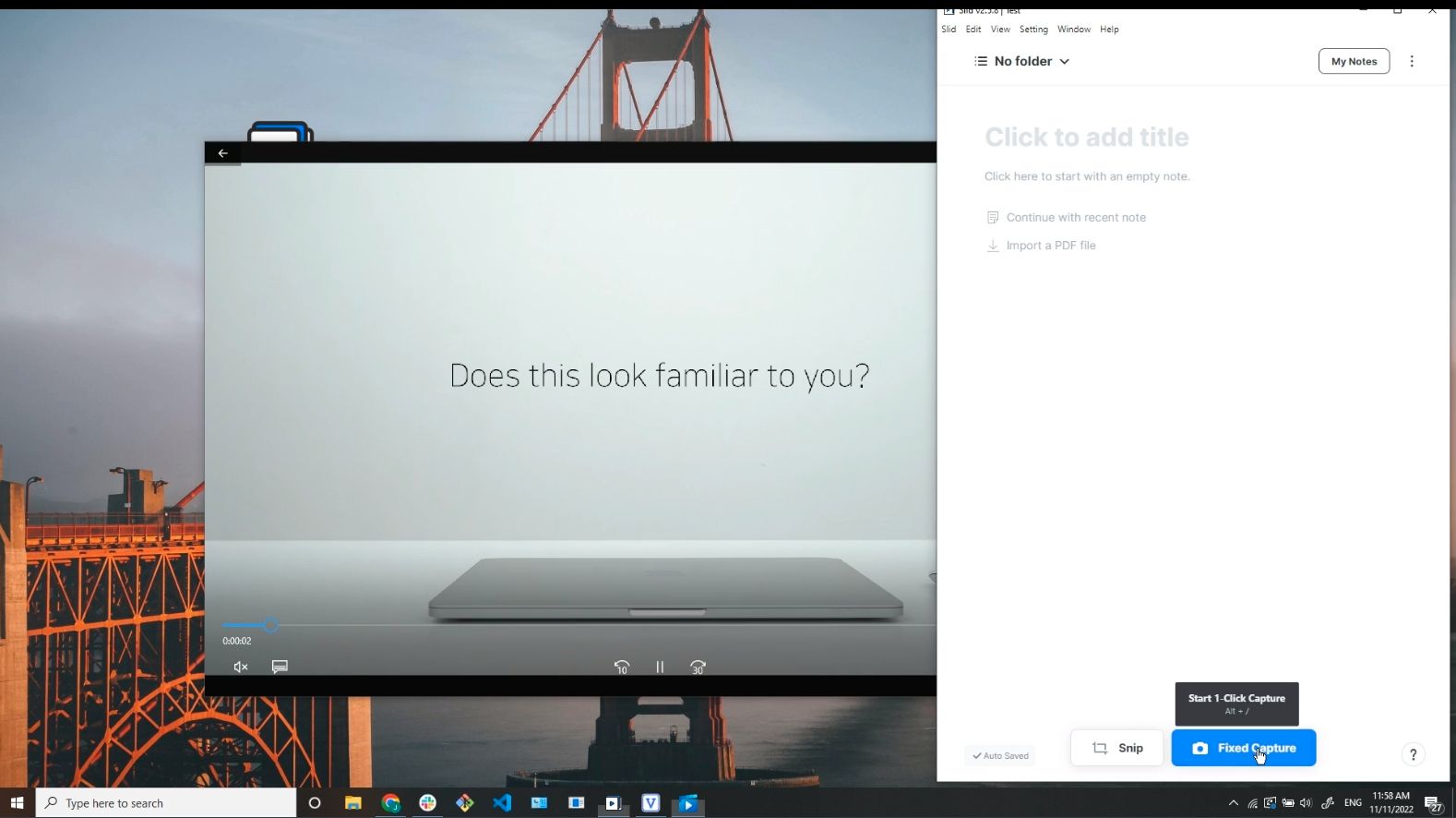
3. Start 1-Click Capture
Click the Fixed Capture button at the bottom. (You can also use Snip Capture to capture different area each time.)
4. Select the App to Capture
A list will appear showing the running apps. Select the app you want to capture among them.
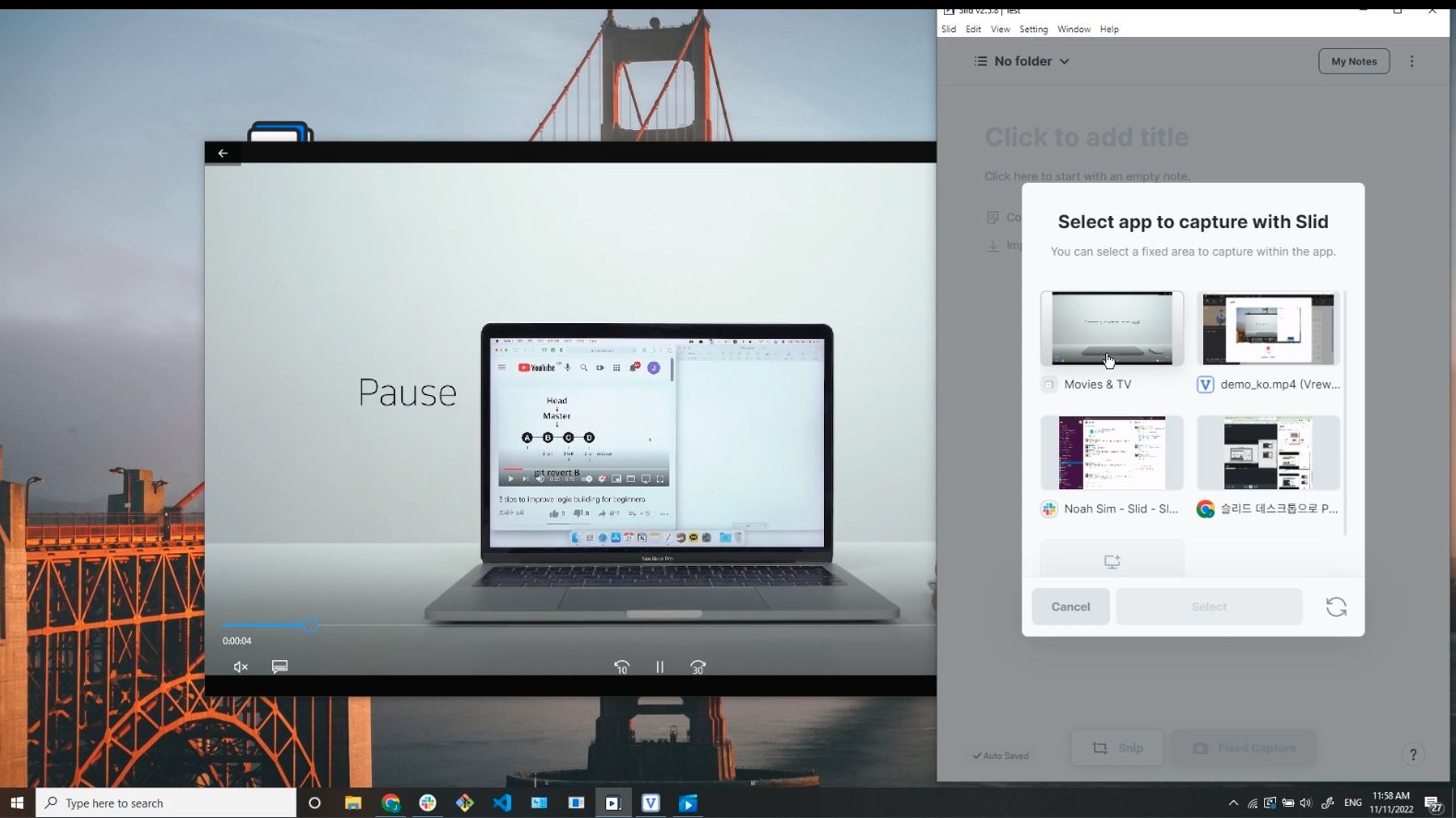
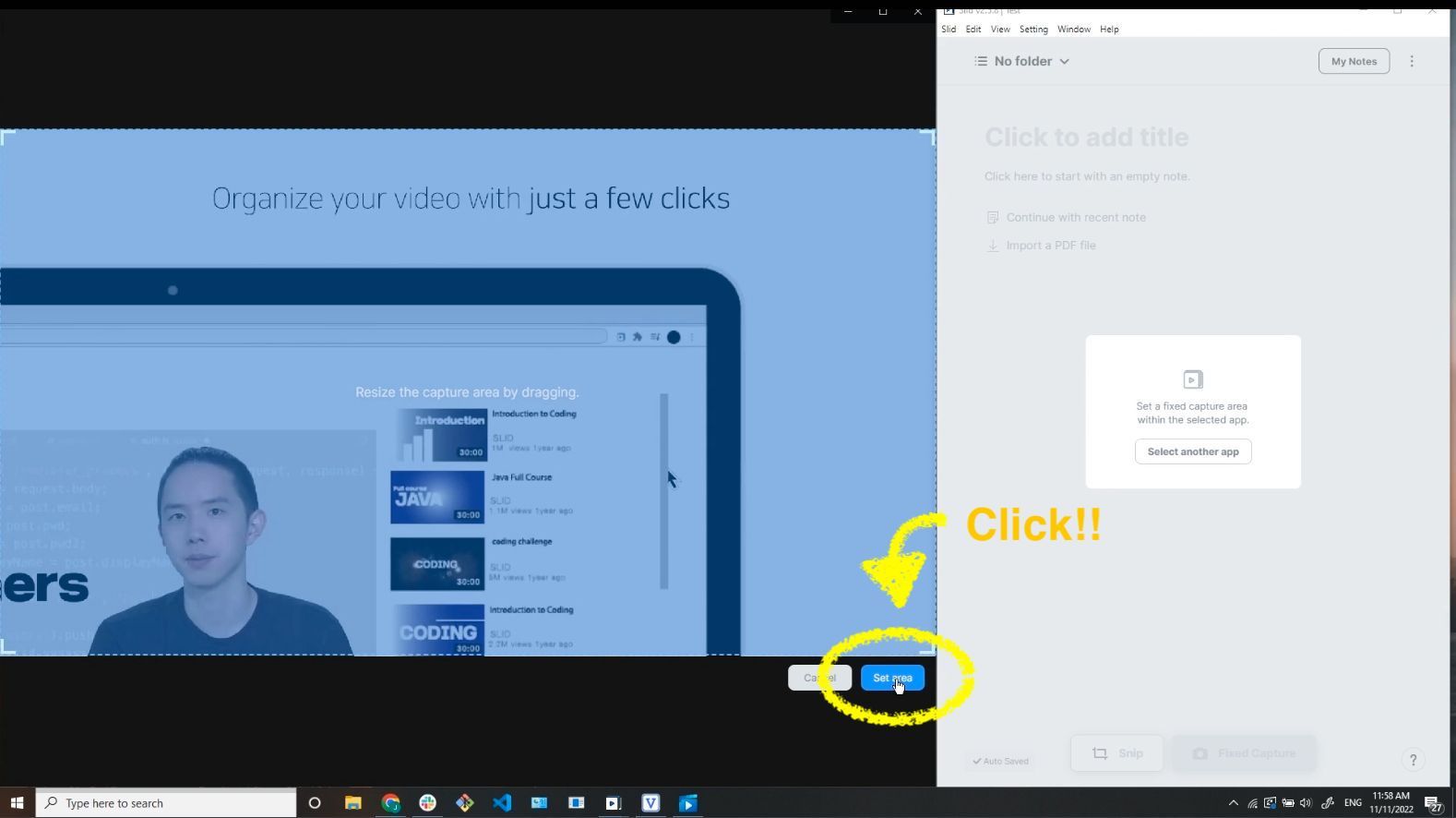
5. Set Capture Area
A default area is provided within the selected app. You can resize the area by dragging.
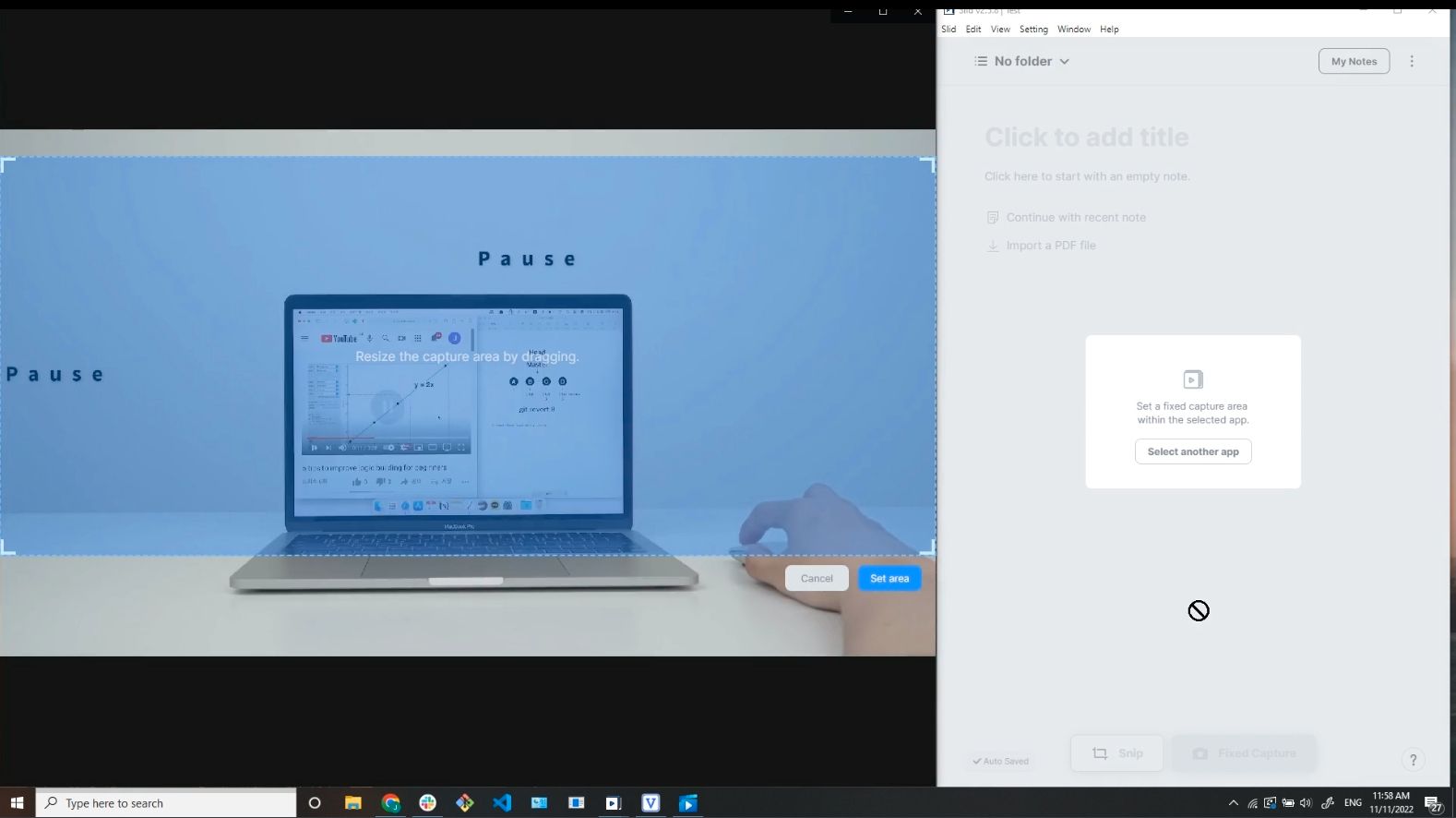
After setting the area, be sure to click the blue Set Area button in the lower right corner!
Now It's Ready...Let's Start Capturing!
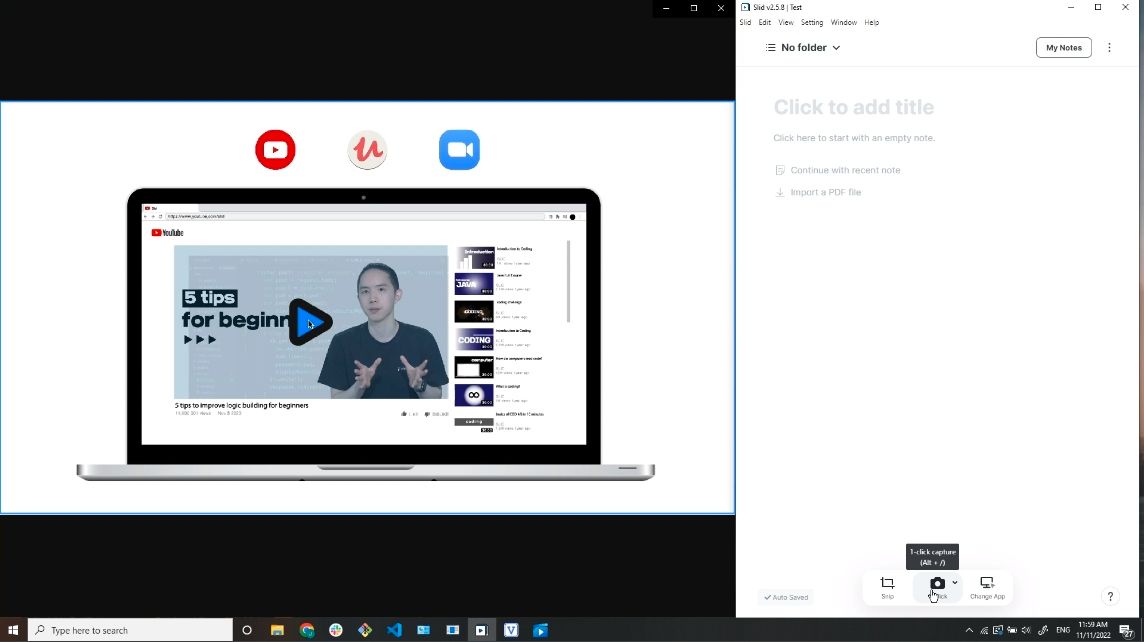
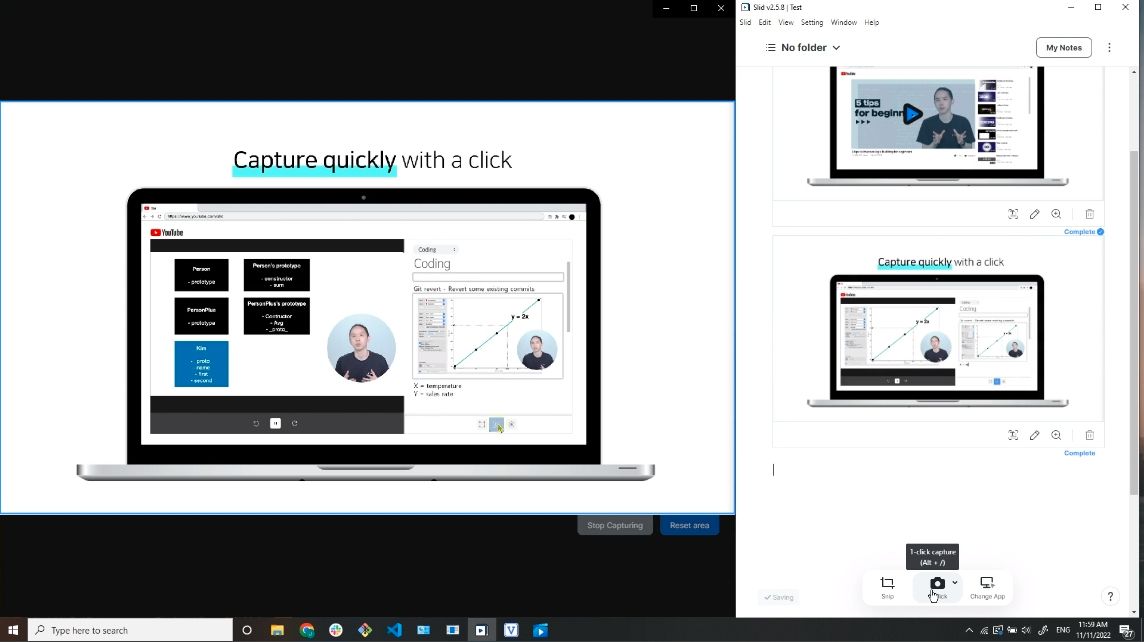
Click the 1-Click Capture button at the bottom of the editor.
Feel free to capture any scene you want🤩
Like this!👇
Enjoy Slidding with the Desktop App.
Thanks.☺️💙
Last Updated:
Summarize & share videos seamlessly
Loading...